Setup
A button, not a project.
Switch on the app embed, choose which products get the button, done. No theme code, works with Online Store 2.0 themes.
Virtual try-on for Shopify
A “Try it on” button for your product pages. Shoppers take a photo and see your product on themselves in seconds, so they can buy with confidence.

 AI-generated
Shoppers stay on your product page the whole time. No account, no app to download.
The button sits on your product page, on mobile and desktop.
After a short consent step that explains exactly what happens to it.
In seconds. Then adds it to cart, tries another product, or deletes the photo.
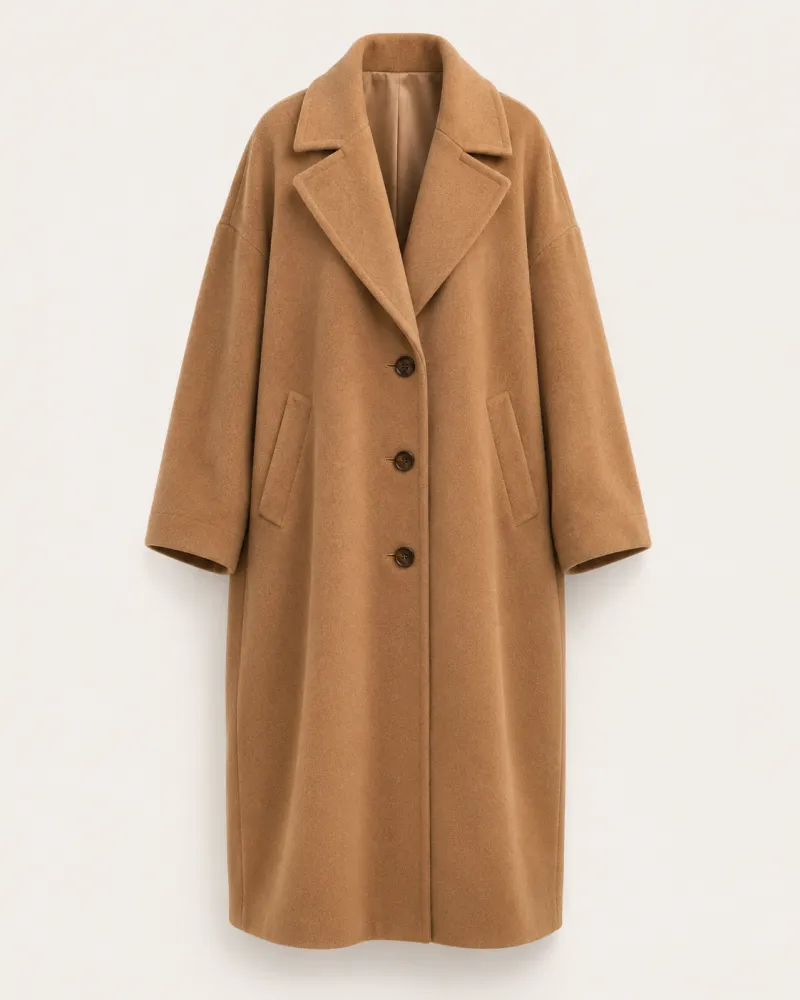
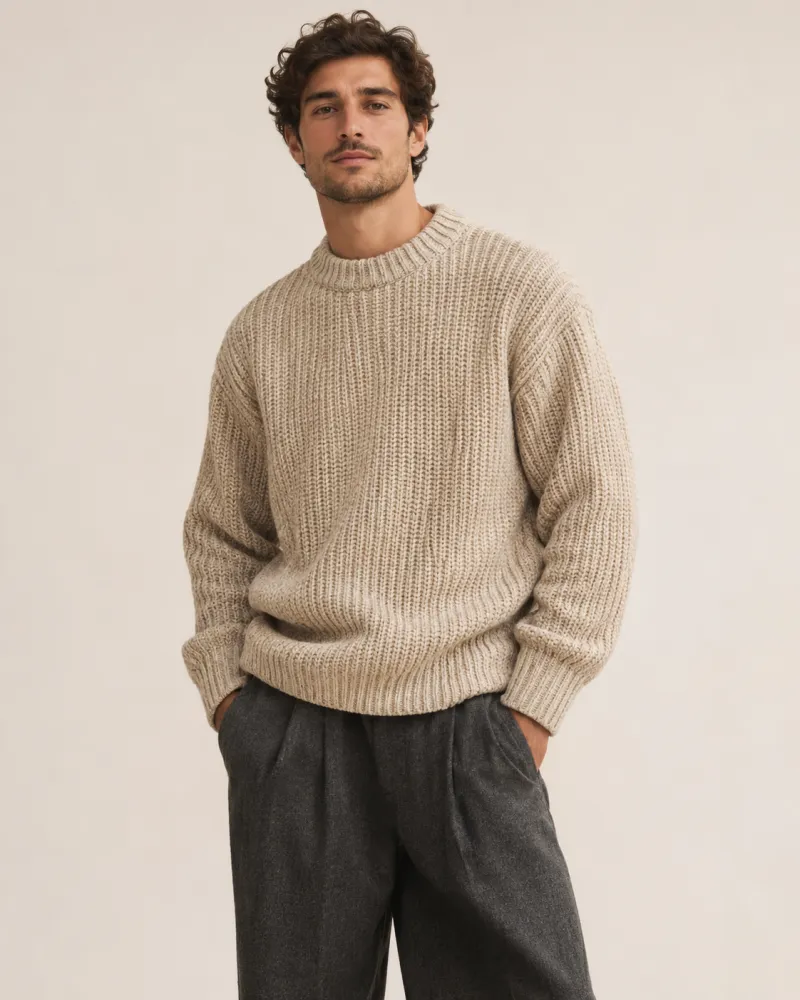
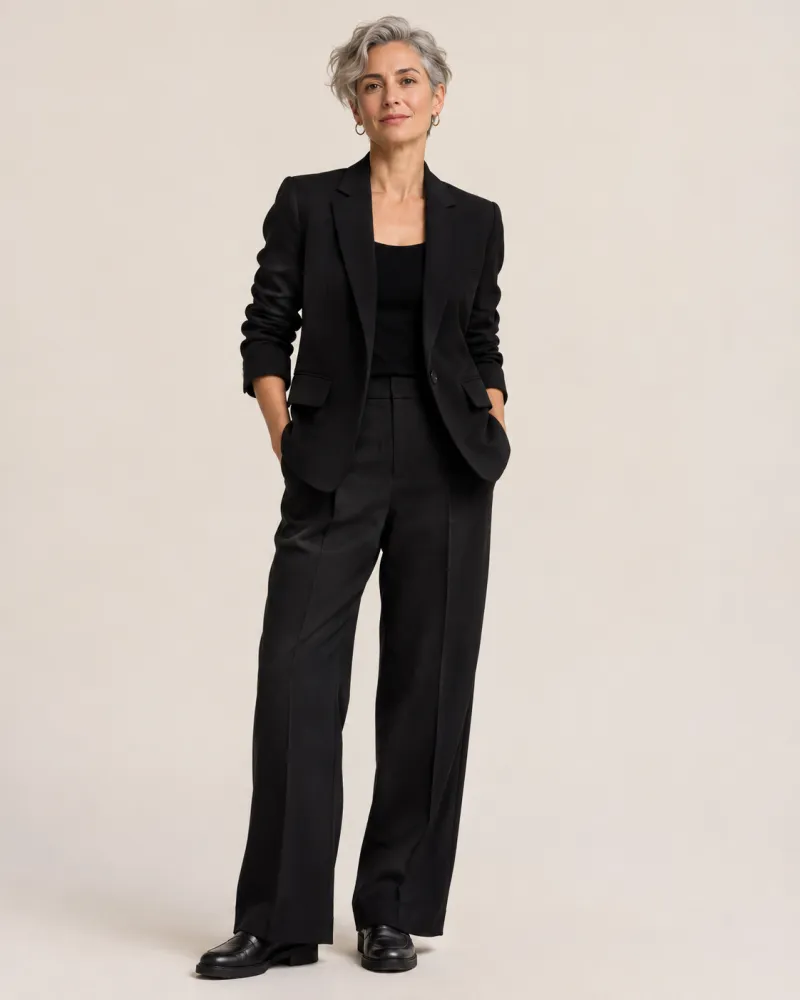
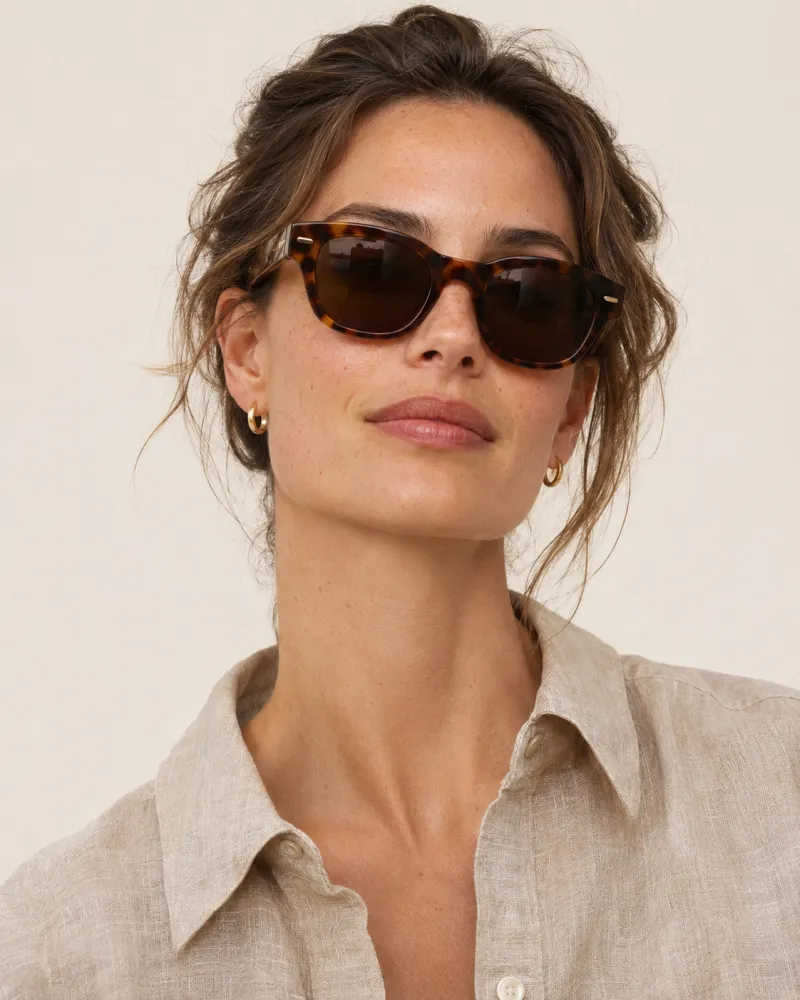
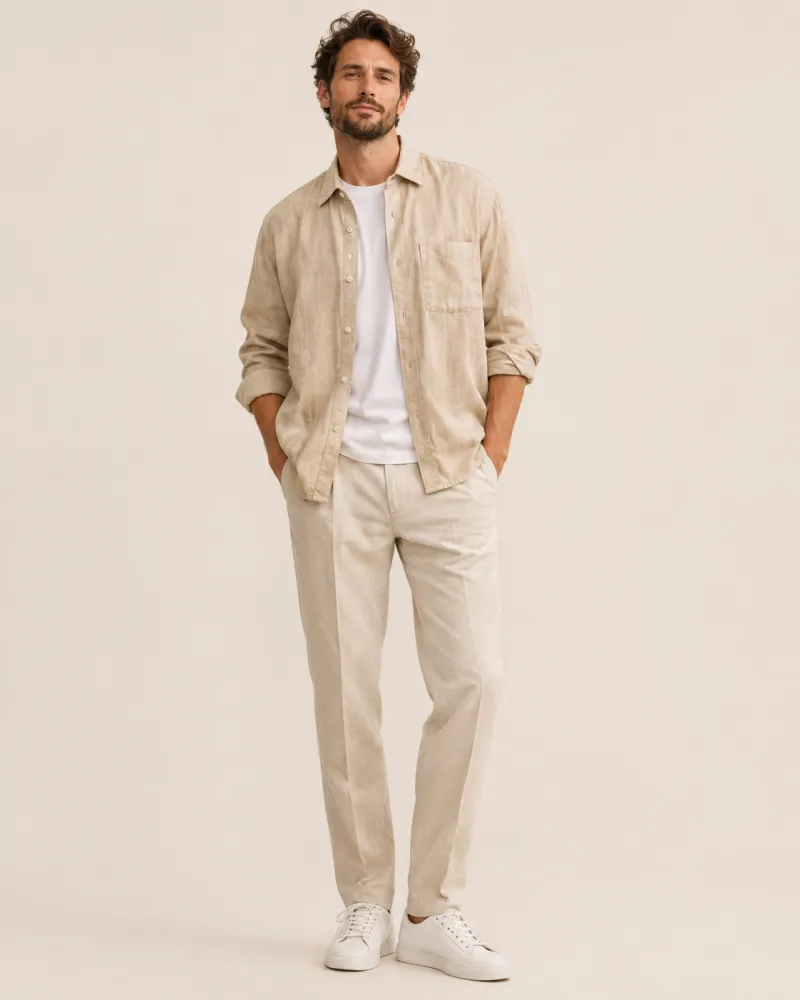
Tops, outerwear, eyewear, jewelry and more
Setup
Switch on the app embed, choose which products get the button, done. No theme code, works with Online Store 2.0 themes.
Catalog
Categories are detected from your product data, and you can override them.
Analytics
Button click, try-on, add to cart and order, so you can judge the effect on sales yourself.
Brand
Style the button and the try-on window to match your theme. Shoppers get it in their language: 10 languages included.
Safety
Every photo is moderated before anything is created, and results are clearly labelled as AI-generated images.
Shopper photos exist only long enough to create the try-on. You never see them, and neither does anyone else in your store’s admin.
Read the privacy policy$13.99 / month
$37.99 / month
$95.99 / month
Billed through Shopify in USD; Shopify shows local prices where available. When you reach your included try-ons you choose to pause or continue, up to the cap you approve.
No. Try It Now uses an app embed: you switch it on in the theme editor and choose which products or collections get the button. It works with Online Store 2.0 themes.
Tops, outerwear, dresses, bottoms, eyewear, headwear, footwear and jewelry. Categories are detected from your product data, and you can override them per product.
They are deleted automatically, by default after 60 minutes and never later than 24 hours. Shoppers can also delete them immediately. Photos are never shown to you or stored in your admin.
Anonymous statistics only: button clicks, try-ons, add to cart and orders. Never the photos or the results.
Every photo is checked before anything is generated. Photos with more than one person, nudity, or a person who looks under 18 are blocked, and blocked photos are deleted straight away.
You choose: pause try-ons until next month, or continue at a per-try-on price up to a monthly spending cap you approve in Shopify.